

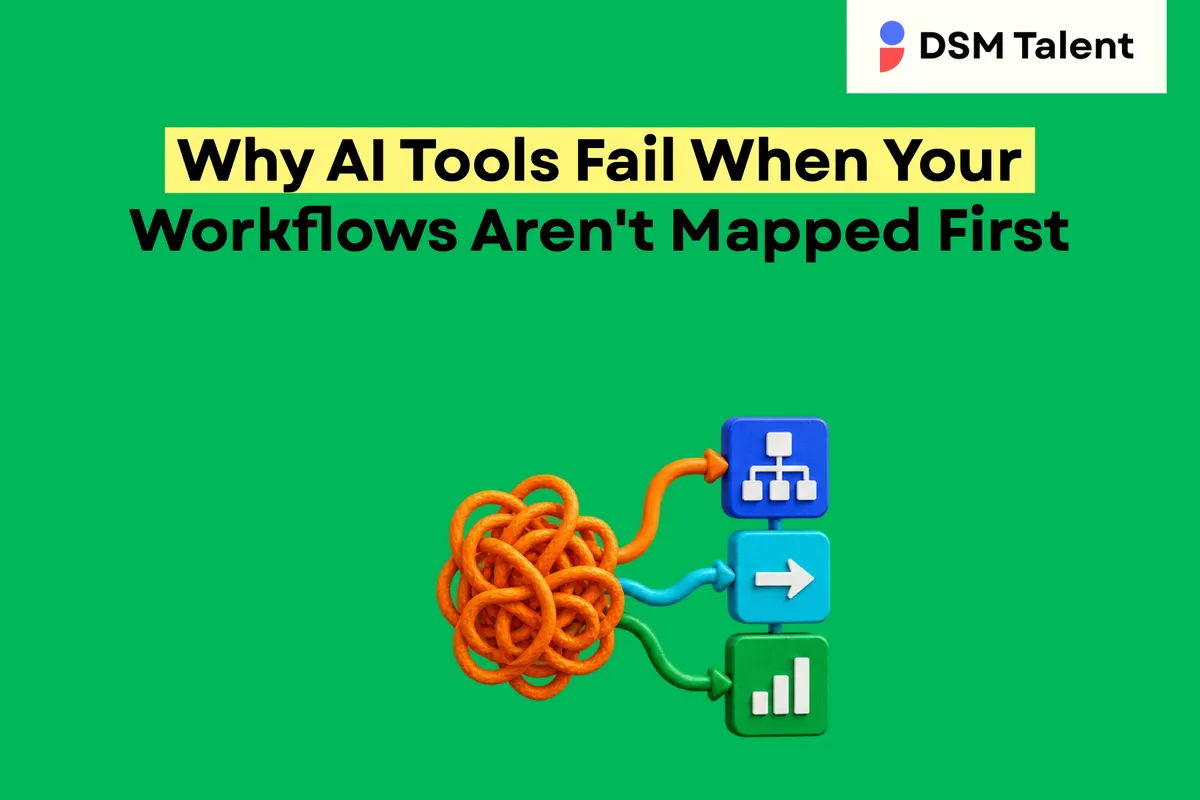
Why AI Tools Fail When Your Workflows Aren't Mapped First
Why AI Tools Fail When Your Workflows Aren't Mapped First
AI tools fail when workflows are unclear because the technology has no reliable path to follow. Without a documented sequence of steps, decision points, and ownership, the AI cannot know which data to pull, when to act, or how to hand off results for human review. The result is missed triggers, duplicated effort, and broken handoffs that leave founders scrambling to fix errors that could have been prevented with a clear workflow map.
The Hidden Cost of Unmapped Work
Many businesses already own a collection of tools-CRMs, spreadsheets, email, project boards, and a handful of AI assistants. When these tools operate in isolation, each piece relies on the user to remember the next action. That memory load creates three hidden costs:
Inconsistent data entry that feeds inaccurate AI predictions.
Unclear approval gates that let low-risk decisions slip through without review.
Repeated manual fixes that erode confidence in any automation effort.
These costs multiply as the business scales, turning a promising AI experiment into a source of frustration.
Core Reasons AI Tools Stumble Without a Map
When you launch an AI solution without first mapping the underlying workflow, you typically encounter the following problems:
Missing Context. AI receives isolated inputs and cannot infer the broader business intent.
Undefined Ownership. No clear person is assigned to verify AI output, so errors go unchecked.
Broken Approval Rules. Automated actions fire without the required sign-off, creating compliance risk.
Inconsistent Data Sources. The AI pulls from multiple spreadsheets that are not synchronized, leading to duplicate or stale records.
Testing Gaps. Without a baseline process, you cannot measure whether the AI improves speed or accuracy.
Mapping Your Workflow Before AI - A Step-by-Step Guide
Follow this practical framework to create a solid foundation for AI workflow automation:
Identify the Repeating Business Goal. Ask: Which outcome repeats weekly or monthly? Example: "Generate a sales-ready lead list every Monday."
List Every Touchpoint. Map each system, person, and decision that contributes to the goal. Include email inbox, CRM, spreadsheet, and any AI prompt you currently use.
Define Decision Points. Mark where a human must approve, reject, or add context. Write a short rule, such as "If lead score > 80, auto-assign to sales; otherwise, flag for review."
Document Data Flow. Draw a simple diagram or table that shows where data originates, how it moves, and where it is stored after each step.
Set Safeguards. Add validation checks-duplicate detection, required fields, and access permissions-to prevent bad data from reaching the AI.
Create an SOP. Write a concise Standard Operating Procedure that includes the workflow diagram, decision rules, and the exact AI prompt to use.
Test with a Small Sample. Run the AI on a limited data set, compare results to the manual process, and adjust the SOP until the output meets expectations.
Assign an Owner. Designate a specific Filipino professional or existing executive assistant to monitor the AI, handle exceptions, and keep the SOP up to date.
Iterate Monthly. Review the workflow after each cycle, capture any new edge cases, and refine the AI prompt or approval rule.
Checklist - Is Your Workflow Ready for AI?
Do you have a repeatable business outcome you want to automate?
Is every step in the current process documented in a visual or tabular form?
Are decision points clearly assigned to a human owner?
Have you defined validation rules to catch incomplete or duplicate data?
Is there an SOP that includes the exact AI prompt and expected output format?
Did you run a pilot test and record the success metrics?
Do you have a plan for ongoing monitoring and quarterly updates?
How DSM Talent Helps You Install an AI Operating System
DSM Talent acts as a strategic growth partner, not a cheap staffing vendor. Our AI Systems Specialist first maps your critical workflows, designs an AI-enabled operating system, and installs the agreed components. We then document every step, set approval rules, and create safeguards that keep human judgment in the loop. Finally, we train your existing executive assistant-or help you define the next hire-so the system has a responsible owner who can manage exceptions and keep the SOP current. The result is a reliable AI workflow automation that scales with your offshore team of pre-vetted Filipino professionals.
Next Steps
If you're ready to turn a fragmented process into a reliable AI-driven system, start with a short conversation. We'll review your current workflow, identify gaps, and outline a roadmap that includes mapping, testing, and handoff to a trusted offshore owner.
Book an AI Systems Specialist Consultation to see how a mapped workflow can make your AI tools work for you. Visit https://dsmtalent.com/ai-systems and schedule a time that fits your calendar.


